9 minutes
UChat
Posted by
7 HubSpot Service Hub Alternatives in 2026: Support Suite or Automation Platform?
9 minutes
Posted by
UChat

Quick answer: UChat belongs on the HubSpot Service Hub shortlist when the service journey needs visual multichannel automation or branded agency delivery more than a CRM-centered support suite. Zendesk and Freshdesk Omni fit formal service desks, Intercom fits product-led SaaS support, and HubSpot remains coherent when one customer record across marketing, sales and service is the priority.
HubSpot Service Hub remains a good option when the buying case is shared CRM context, HubSpot-native reporting and close alignment with sales and marketing. Replacing it for a slightly cheaper inbox can create more integration work than it removes.
Bottom line: Start with the system of record. If HubSpot CRM is already the operational center, prove the value of moving service away from it; if automated conversations are the center, prove the workflow before buying more CRM seats.
HubSpot Service Hub Alternatives At A Glance
Alternative | Best fit | Operating model and control | Cost or implementation watchout | Evidence |
|---|---|---|---|---|
UChat | automation teams and agencies | Visual multichannel journeys, AI Agents, human handoff and branded client delivery sit in one platform. | It is not a drop-in replacement for every HubSpot CRM, service analytics or customer-success workflow. | |
Zendesk | mature service-desk operations | Ticket routing, workforce controls, governance and a broad support ecosystem are the center of the product. | The service stack can be heavier than teams seeking visual journey automation. | |
Intercom | SaaS teams building around Messenger and Fin | In-product messaging, support, help content and AI resolution form a coherent SaaS service experience. | Cost depends on seats, platform options and AI usage. | |
Freshdesk Omni | teams wanting a conventional omnichannel help desk | Ticketing, channels and agent operations are packaged around a familiar support model. | AI sessions, Copilot and connector usage need to be modeled separately. | |
Help Scout | smaller email-led support teams | A shared inbox and knowledge base keep the service experience straightforward. | It offers less journey orchestration than a visual automation platform. | |
Kustomer | enterprise teams unifying service and customer data | Customer timelines, custom objects, routing and workflows suit complex service operations. | Pricing is quote-based and implementation can be materially heavier. | |
Zoho Desk | organizations already using Zoho | Ticketing, automation and reporting connect naturally to the wider Zoho suite. | Buyer fit is strongest inside the Zoho ecosystem. |
Why Buyers Look For HubSpot Service Hub Alternatives
HubSpot Service Hub makes sense when customer service should live beside HubSpot CRM, marketing and sales data. Buyers look elsewhere when they want a lighter help desk, deeper service-desk controls, ecommerce specialization, visual multichannel automation, or a client-facing white-label platform.
HubSpot publishes Free, Starter, Professional and Enterprise editions. The current page shows promotional and annual billing options, paid seats, onboarding fees on higher tiers, and HubSpot Credits for some AI usage. Price the edition, seats, onboarding, credits and any wider HubSpot subscription together.
UChat publishes Free at $0, Business at $15 and Partner at $199 as entry plans. The realistic UChat estimate should also include workspace limits, add-ons, messaging or AI-provider charges and any delivery work; agencies should model Partner licensing and each client workspace against the price they plan to charge.
For this shortlist, compare the same CRM-touching service request. Check whether each option can identify the customer, update the right record, route ownership and preserve reporting without duplicating data across systems. Record every capability that still needs vendor confirmation in the proof plan.
HubSpot Service Hub vs UChat: The Operating Difference
Decision area | HubSpot Service Hub | UChat | What to prove |
|---|---|---|---|
Operating center | Smart CRM connects service with marketing and sales context. | The Flow Builder is the center of a customer journey. | Which system should own customer history and reporting? |
Service operations | Help desk, ticketing, routing, service analytics, knowledge, portal and feedback features vary by edition. | Live Chat, lightweight Boards and Tickets, and automated follow-up sit inside the journey. | Do you need formal SLA, workforce and customer-success controls, or conversational case handling? |
AI and actions | Customer Agent can answer, qualify, book and resolve work across supported channels, with human control. | AI Agents can use business knowledge and callable functions inside deterministic flow steps. | Run the same action, exception and handoff rather than comparing an AI demo. |
Channels | HubSpot documents inbox, chat, email, calling, Messenger and WhatsApp capabilities, plus a Custom Channels API; availability varies by plan. | UChat documents web, social, messaging, SMS and voice workflows, with provider-specific rules. | Confirm every required country, channel, template and provider. |
Commercial model | Seats, onboarding on higher tiers and HubSpot Credits can all affect cost. | Workspace capacity, add-ons, messaging or model usage and delivery work affect cost. | Model one year of the complete operating stack. |
Agency delivery | HubSpot is primarily an organization-owned CRM and service suite. | UChat Partner adds custom branding, client workspaces, plan controls and billing. | Decide whether clients use your branded platform or your team operates their HubSpot account. |
What A UChat Service Workflow Actually Looks Like
A UChat journey can start on a supported channel, collect structured details in Flow Builder, let an AI Agent answer from approved knowledge, and call an integration or external request to read or update another system. The same journey can assign a human in Live Chat, create a Ticket or move the contact through a Board, then continue the next automated step. For agencies, that solution can be packaged in a branded client workspace.
Run a reproducible proof with these states:
Trigger on one real inbound channel and capture email, account or order ID, issue type and consent where required.
Route by issue type and account status; let the AI Agent answer only from the approved knowledge set.
Use an authenticated integration or external request to read or update the chosen CRM record, with a defined failure branch.
Set a human-handoff state that carries the captured fields and transcript to the assigned agent.
Create the follow-up Ticket or Board stage, then test completion, timeout and re-open reporting.
That is a strong fit when the conversation itself coordinates the process. It does not establish parity with HubSpot's full CRM record, customer-success workspace, service analytics, knowledge base or portal. If those are mandatory, keep HubSpot as the system of record and test UChat as the automation layer before considering a replacement.
1. UChat
Best fit: automation teams and agencies.
Visual multichannel journeys, AI Agents, human handoff and branded client delivery sit in one platform.
Tradeoff: It is not a drop-in replacement for every HubSpot CRM, service analytics or customer-success workflow.
2. Zendesk
Best fit: mature service-desk operations.
Ticket routing, workforce controls, governance and a broad support ecosystem are the center of the product.
Tradeoff: The service stack can be heavier than teams seeking visual journey automation.
3. Intercom
Best fit: SaaS teams building around Messenger and Fin.
In-product messaging, support, help content and AI resolution form a coherent SaaS service experience.
Tradeoff: Cost depends on seats, platform options and AI usage.
4. Freshdesk Omni
Best fit: teams wanting a conventional omnichannel help desk.
Ticketing, channels and agent operations are packaged around a familiar support model.
Tradeoff: AI sessions, Copilot and connector usage need to be modeled separately.
5. Help Scout
Best fit: smaller email-led support teams.
A shared inbox and knowledge base keep the service experience straightforward.
Tradeoff: It offers less journey orchestration than a visual automation platform.
6. Kustomer
Best fit: enterprise teams unifying service and customer data.
Customer timelines, custom objects, routing and workflows suit complex service operations.
Tradeoff: Pricing is quote-based and implementation can be materially heavier.
7. Zoho Desk
Best fit: organizations already using Zoho.
Ticketing, automation and reporting connect naturally to the wider Zoho suite.
Tradeoff: Buyer fit is strongest inside the Zoho ecosystem.
How To Choose The Right HubSpot Service Hub Alternative
Choose UChat when the work begins with a conversation and must continue through qualification, business actions, follow-up or white-label delivery.
Choose HubSpot Service Hub when shared CRM context and alignment with HubSpot sales and marketing are the primary reasons to buy.
Choose Zendesk or Freshdesk Omni when formal ticket queues, agent operations and service governance dominate.
Choose Help Scout when a clean email-led support model is enough.
Proof before migration: Build one request that begins in a customer channel, reads or updates the customer record, hands off to an agent, creates follow-up work and appears in reporting. The gaps will show whether you need a CRM service suite or an automation layer.
Frequently Asked Questions
Is UChat a complete HubSpot Service Hub replacement?
Not automatically. UChat can replace the conversational automation layer for many workflows, but buyers should prove the exact CRM, ticketing, reporting, customer-success and governance requirements before migration.
Which option is best for agencies?
UChat Partner is designed for custom branding, client workspaces, custom plans, billing and repeatable solution delivery.
Which option is easiest for an existing HubSpot team?
HubSpot Service Hub remains the more coherent choice when the team already depends on HubSpot CRM records, pipelines and reporting.
How should we compare total cost?
Model paid seats, onboarding, AI credits or resolutions, required channels, integrations and the work another product would still need to perform.
Try UChat
Start a 14-day UChat trial with access to Pro features and no credit card required. Agencies evaluating branded client delivery can book a Partner Plan demo.
Sources
Pricing and packaging were reviewed on 2026-08-31. Verify current terms, limits, add-ons, taxes and implementation requirements before purchasing.
Quick answer: UChat belongs on the HubSpot Service Hub shortlist when the service journey needs visual multichannel automation or branded agency delivery more than a CRM-centered support suite. Zendesk and Freshdesk Omni fit formal service desks, Intercom fits product-led SaaS support, and HubSpot remains coherent when one customer record across marketing, sales and service is the priority.
HubSpot Service Hub remains a good option when the buying case is shared CRM context, HubSpot-native reporting and close alignment with sales and marketing. Replacing it for a slightly cheaper inbox can create more integration work than it removes.
Bottom line: Start with the system of record. If HubSpot CRM is already the operational center, prove the value of moving service away from it; if automated conversations are the center, prove the workflow before buying more CRM seats.
HubSpot Service Hub Alternatives At A Glance
Alternative | Best fit | Operating model and control | Cost or implementation watchout | Evidence |
|---|---|---|---|---|
UChat | automation teams and agencies | Visual multichannel journeys, AI Agents, human handoff and branded client delivery sit in one platform. | It is not a drop-in replacement for every HubSpot CRM, service analytics or customer-success workflow. | |
Zendesk | mature service-desk operations | Ticket routing, workforce controls, governance and a broad support ecosystem are the center of the product. | The service stack can be heavier than teams seeking visual journey automation. | |
Intercom | SaaS teams building around Messenger and Fin | In-product messaging, support, help content and AI resolution form a coherent SaaS service experience. | Cost depends on seats, platform options and AI usage. | |
Freshdesk Omni | teams wanting a conventional omnichannel help desk | Ticketing, channels and agent operations are packaged around a familiar support model. | AI sessions, Copilot and connector usage need to be modeled separately. | |
Help Scout | smaller email-led support teams | A shared inbox and knowledge base keep the service experience straightforward. | It offers less journey orchestration than a visual automation platform. | |
Kustomer | enterprise teams unifying service and customer data | Customer timelines, custom objects, routing and workflows suit complex service operations. | Pricing is quote-based and implementation can be materially heavier. | |
Zoho Desk | organizations already using Zoho | Ticketing, automation and reporting connect naturally to the wider Zoho suite. | Buyer fit is strongest inside the Zoho ecosystem. |
Why Buyers Look For HubSpot Service Hub Alternatives
HubSpot Service Hub makes sense when customer service should live beside HubSpot CRM, marketing and sales data. Buyers look elsewhere when they want a lighter help desk, deeper service-desk controls, ecommerce specialization, visual multichannel automation, or a client-facing white-label platform.
HubSpot publishes Free, Starter, Professional and Enterprise editions. The current page shows promotional and annual billing options, paid seats, onboarding fees on higher tiers, and HubSpot Credits for some AI usage. Price the edition, seats, onboarding, credits and any wider HubSpot subscription together.
UChat publishes Free at $0, Business at $15 and Partner at $199 as entry plans. The realistic UChat estimate should also include workspace limits, add-ons, messaging or AI-provider charges and any delivery work; agencies should model Partner licensing and each client workspace against the price they plan to charge.
For this shortlist, compare the same CRM-touching service request. Check whether each option can identify the customer, update the right record, route ownership and preserve reporting without duplicating data across systems. Record every capability that still needs vendor confirmation in the proof plan.
HubSpot Service Hub vs UChat: The Operating Difference
Decision area | HubSpot Service Hub | UChat | What to prove |
|---|---|---|---|
Operating center | Smart CRM connects service with marketing and sales context. | The Flow Builder is the center of a customer journey. | Which system should own customer history and reporting? |
Service operations | Help desk, ticketing, routing, service analytics, knowledge, portal and feedback features vary by edition. | Live Chat, lightweight Boards and Tickets, and automated follow-up sit inside the journey. | Do you need formal SLA, workforce and customer-success controls, or conversational case handling? |
AI and actions | Customer Agent can answer, qualify, book and resolve work across supported channels, with human control. | AI Agents can use business knowledge and callable functions inside deterministic flow steps. | Run the same action, exception and handoff rather than comparing an AI demo. |
Channels | HubSpot documents inbox, chat, email, calling, Messenger and WhatsApp capabilities, plus a Custom Channels API; availability varies by plan. | UChat documents web, social, messaging, SMS and voice workflows, with provider-specific rules. | Confirm every required country, channel, template and provider. |
Commercial model | Seats, onboarding on higher tiers and HubSpot Credits can all affect cost. | Workspace capacity, add-ons, messaging or model usage and delivery work affect cost. | Model one year of the complete operating stack. |
Agency delivery | HubSpot is primarily an organization-owned CRM and service suite. | UChat Partner adds custom branding, client workspaces, plan controls and billing. | Decide whether clients use your branded platform or your team operates their HubSpot account. |
What A UChat Service Workflow Actually Looks Like
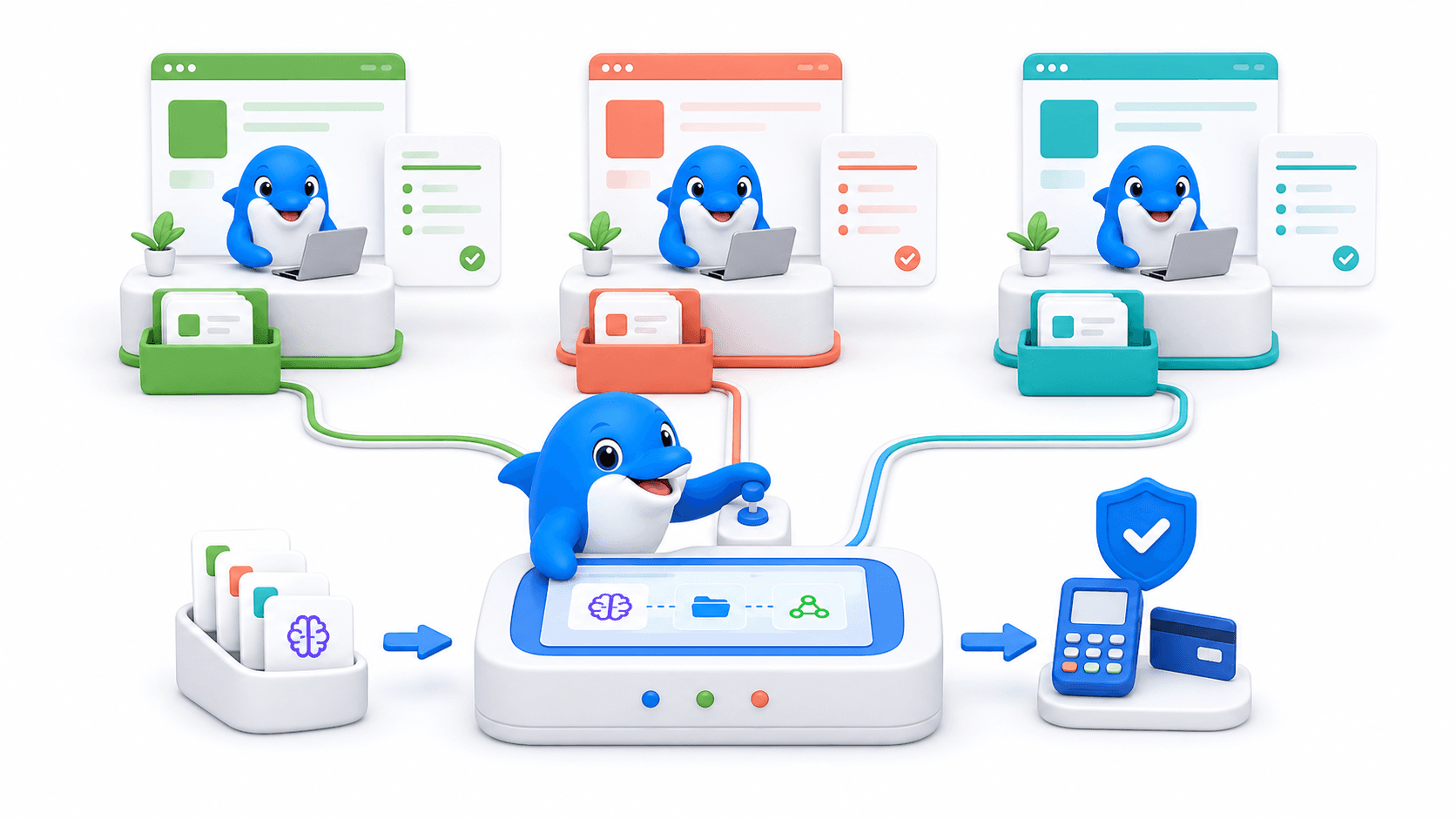
A UChat journey can start on a supported channel, collect structured details in Flow Builder, let an AI Agent answer from approved knowledge, and call an integration or external request to read or update another system. The same journey can assign a human in Live Chat, create a Ticket or move the contact through a Board, then continue the next automated step. For agencies, that solution can be packaged in a branded client workspace.
Run a reproducible proof with these states:
Trigger on one real inbound channel and capture email, account or order ID, issue type and consent where required.
Route by issue type and account status; let the AI Agent answer only from the approved knowledge set.
Use an authenticated integration or external request to read or update the chosen CRM record, with a defined failure branch.
Set a human-handoff state that carries the captured fields and transcript to the assigned agent.
Create the follow-up Ticket or Board stage, then test completion, timeout and re-open reporting.
That is a strong fit when the conversation itself coordinates the process. It does not establish parity with HubSpot's full CRM record, customer-success workspace, service analytics, knowledge base or portal. If those are mandatory, keep HubSpot as the system of record and test UChat as the automation layer before considering a replacement.
1. UChat
Best fit: automation teams and agencies.
Visual multichannel journeys, AI Agents, human handoff and branded client delivery sit in one platform.
Tradeoff: It is not a drop-in replacement for every HubSpot CRM, service analytics or customer-success workflow.
2. Zendesk
Best fit: mature service-desk operations.
Ticket routing, workforce controls, governance and a broad support ecosystem are the center of the product.
Tradeoff: The service stack can be heavier than teams seeking visual journey automation.
3. Intercom
Best fit: SaaS teams building around Messenger and Fin.
In-product messaging, support, help content and AI resolution form a coherent SaaS service experience.
Tradeoff: Cost depends on seats, platform options and AI usage.
4. Freshdesk Omni
Best fit: teams wanting a conventional omnichannel help desk.
Ticketing, channels and agent operations are packaged around a familiar support model.
Tradeoff: AI sessions, Copilot and connector usage need to be modeled separately.
5. Help Scout
Best fit: smaller email-led support teams.
A shared inbox and knowledge base keep the service experience straightforward.
Tradeoff: It offers less journey orchestration than a visual automation platform.
6. Kustomer
Best fit: enterprise teams unifying service and customer data.
Customer timelines, custom objects, routing and workflows suit complex service operations.
Tradeoff: Pricing is quote-based and implementation can be materially heavier.
7. Zoho Desk
Best fit: organizations already using Zoho.
Ticketing, automation and reporting connect naturally to the wider Zoho suite.
Tradeoff: Buyer fit is strongest inside the Zoho ecosystem.
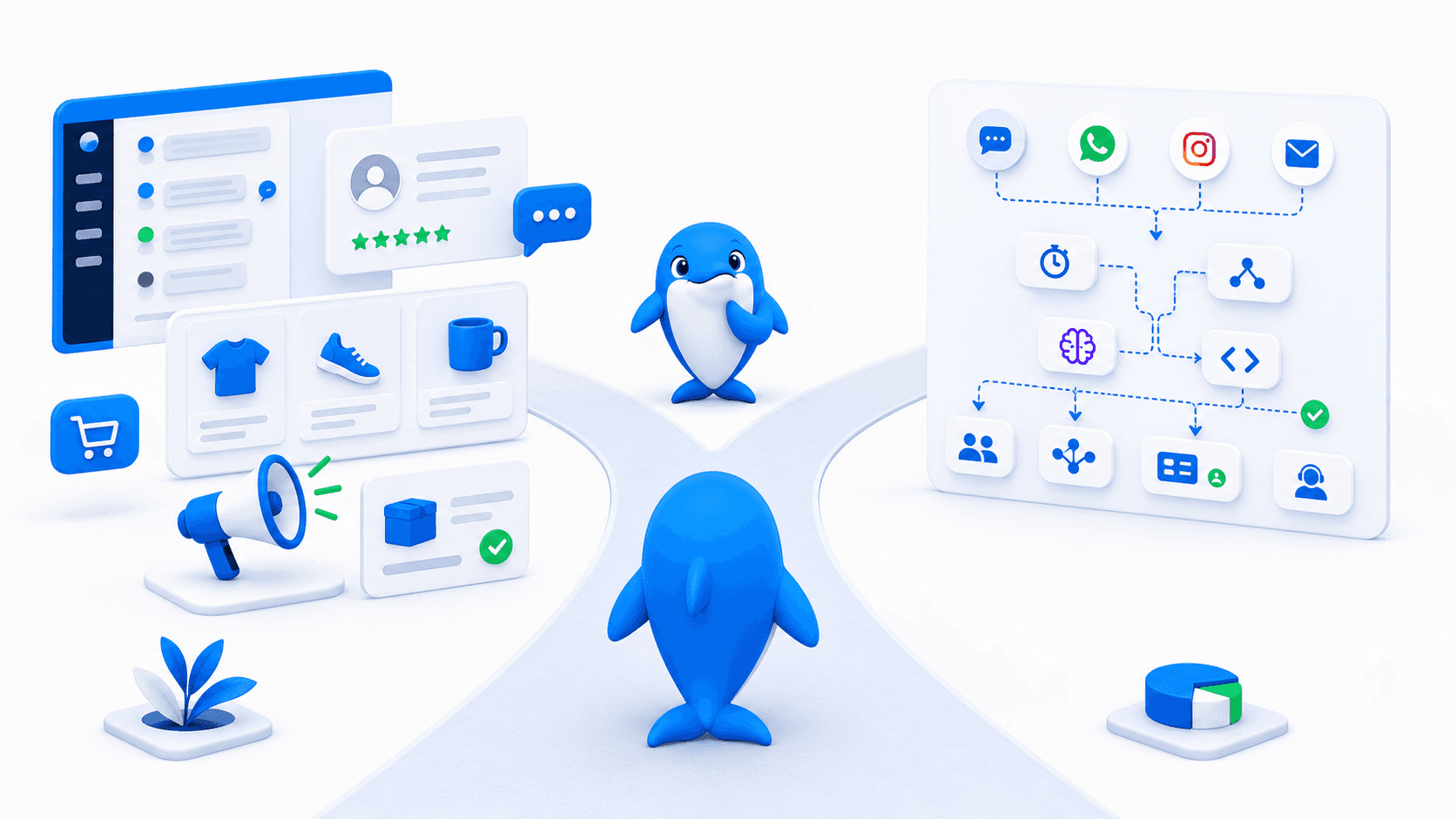
How To Choose The Right HubSpot Service Hub Alternative
Choose UChat when the work begins with a conversation and must continue through qualification, business actions, follow-up or white-label delivery.
Choose HubSpot Service Hub when shared CRM context and alignment with HubSpot sales and marketing are the primary reasons to buy.
Choose Zendesk or Freshdesk Omni when formal ticket queues, agent operations and service governance dominate.
Choose Help Scout when a clean email-led support model is enough.
Proof before migration: Build one request that begins in a customer channel, reads or updates the customer record, hands off to an agent, creates follow-up work and appears in reporting. The gaps will show whether you need a CRM service suite or an automation layer.
Frequently Asked Questions
Is UChat a complete HubSpot Service Hub replacement?
Not automatically. UChat can replace the conversational automation layer for many workflows, but buyers should prove the exact CRM, ticketing, reporting, customer-success and governance requirements before migration.
Which option is best for agencies?
UChat Partner is designed for custom branding, client workspaces, custom plans, billing and repeatable solution delivery.
Which option is easiest for an existing HubSpot team?
HubSpot Service Hub remains the more coherent choice when the team already depends on HubSpot CRM records, pipelines and reporting.
How should we compare total cost?
Model paid seats, onboarding, AI credits or resolutions, required channels, integrations and the work another product would still need to perform.
Try UChat
Start a 14-day UChat trial with access to Pro features and no credit card required. Agencies evaluating branded client delivery can book a Partner Plan demo.
Sources
Pricing and packaging were reviewed on 2026-08-31. Verify current terms, limits, add-ons, taxes and implementation requirements before purchasing.